

Aug 31, 2026 |BAKTH
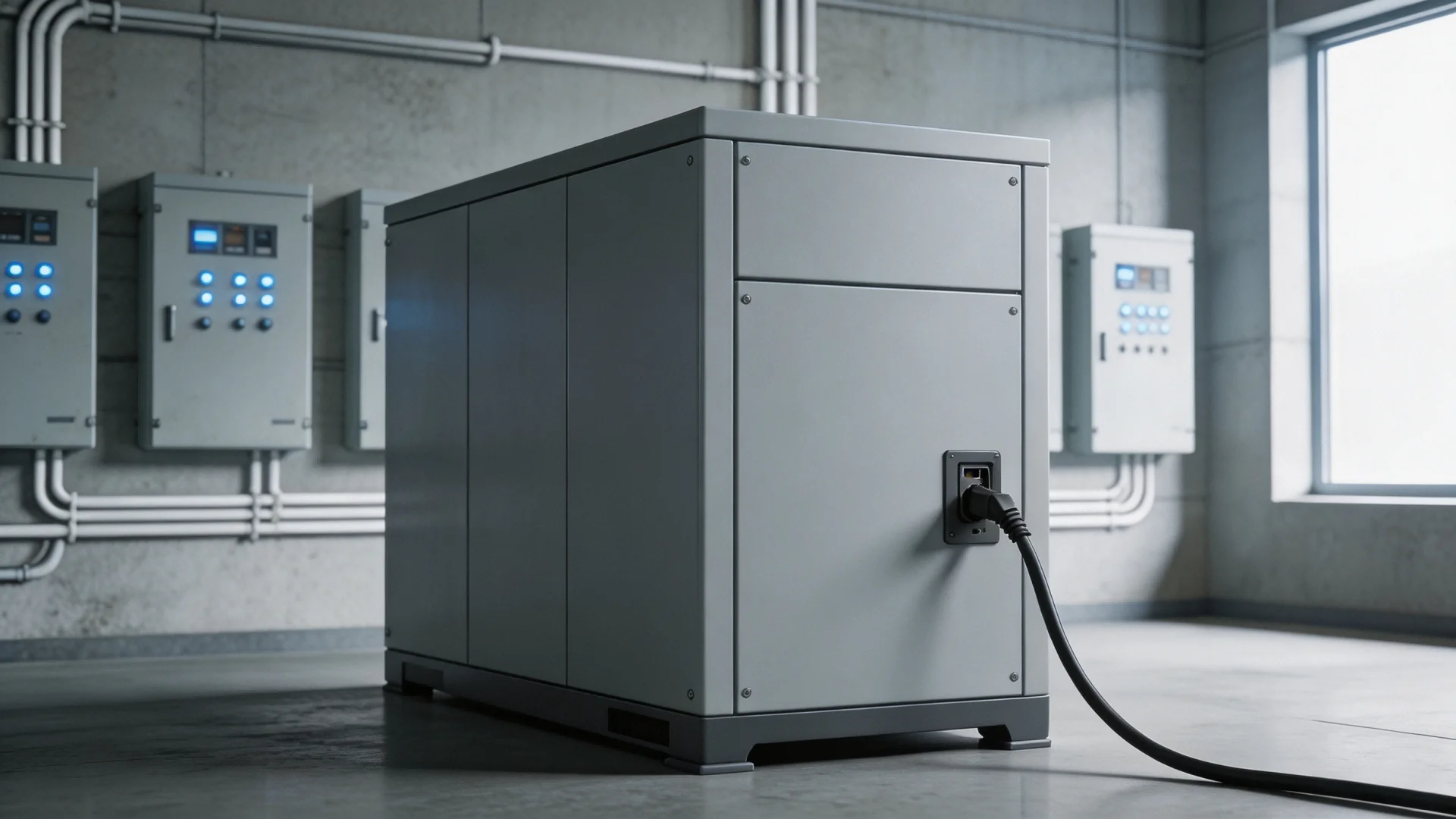
If you keep laptops, AGVs, backup power systems or stationary energy storage devices hooked up to power 24/7, you may worry about hidden long‑term battery damage. Many users assume constant charging automatically leads to overcharging. In reality, outcomes largely hinge on built‑in battery protection hardware, operating temperature and your charging habits. This post explains the real‑world impacts of continuous plugged‑in operation and shares actionable tips to preserve battery health.
Virtually all quality lithium‑ion battery packs ship with a factory‑fitted Battery Management System (BMS). Once cells hit their full‑charge voltage threshold, the BMS cuts incoming charging current completely.
After this cutoff point, your power adapter feeds electricity straight to run the device rather than topping up the battery. The battery then sits idle, with no extra power flowing into its cells. Under these ideal conditions, overcharging cannot take place, making extended plugged‑in use safe for short‑to‑medium periods. Even so, zero overcharge risk does not equal zero aging risk.
While a working BMS blocks dangerous over‑charging, keeping your battery perpetually connected still creates subtle wear‑and‑tear over months and years. Three key risks deserve your attention.
Holding lithium‑ion cells at a full‑state‑of‑charge exposes internal electrode materials to continuous high‑voltage pressure. This speeds up slow chemical degradation inside the electrolyte and cathode.
Over time, this stress gradually lowers your battery’s State of Health (SOH), reducing usable runtime. Compared with batteries stored between 80 %‑90 % charge, packs left constantly at 100 % capacity will lose usable capacity marginally faster.
Power adapters and internal device electronics always generate waste heat during operation. Even a small, steady temperature rise accelerates lithium‑ion aging.
Poor ventilation worsens this effect. Batteries sealed inside enclosed cabinets, hot equipment bays or areas exposed to sunlight will degrade far quicker while permanently plugged‑in, even when no charging current flows. Heat remains one of the biggest silent threats to long‑term battery life.
Budget, uncertified lithium‑ion battery assemblies often include unreliable, poorly‑tested BMS hardware. If the protection circuit malfunctions, it may fail to halt charging once full capacity is reached.
Uncontrolled trickle charging then triggers serious hazards: cell swelling, electrolyte leakage, internal short‑circuits, and in extreme scenarios thermal runaway and fire risk. Cheap battery packs are never suited for non‑stop plugged‑in deployment.
A common source of confusion comes from lead‑acid battery maintenance habits. Lead‑acid storage batteries rely on continuous float charging to counteract natural self‑discharge and avoid permanent damage.
Lithium‑ion chemistries operate by entirely different rules. They require zero float‑charge maintenance. Keeping lithium‑ion batteries permanently topped‑off delivers no protective or performance‑boosting benefits whatsoever.
Follow these evidence‑based guidelines if your equipment must stay connected to mains power around‑the‑clock:
A lithium‑ion battery fitted with a fully functional, premium‑grade BMS will not suffer instant damage when left plugged‑in non‑stop. Even so, permanent 100 % full‑charge storage will gradually accelerate natural long‑term degradation.
If maximum service lifespan is your top priority, partial‑charge storage is always the smarter strategy. Never leave uncertified, low‑quality lithium‑ion battery packs continuously connected to power supplies.
Q1: Can my lithium‑ion backup power bank remain plugged‑in 365 days per year?
A: It is technically safe with reliable BMS hardware and cool surroundings. Be aware that continuous full‑charge storage will slightly shorten its usable service life over time.
Q2: Which causes more battery wear: staying permanently plugged‑in or repeated charge‑discharge cycles?
A: Gentle, moderate charge‑discharge cycles are generally less stressful to lithium‑ion cells than being kept at a constant 100 % SOC for months on end.
Q3: What is the ideal temperature range for batteries running while permanently connected to power?
A: Aim for a stable operating temperature of 10°C‑25°C. Sustained temperatures above 30°C greatly speed‑up battery wear and aging.


 Hotline
 Email
Email
 Address
RM 2201, Longshenghengbo Center, Jianshe East Road and Bulong Road Intersection, Longhua District, Shenzhen, Guangdong, China
B13 Bldg, Lihe Zijing Science and Technology Innovation Center Headquarters, No. 55, Qinghu East Road, Qingxi Town, Dongguan City, Guangdong Province, P.R. China


 Previous